
Off-the-Shelf Touchscreen Display Modules
Engineers tell us that getting a touchscreen display up and running from scratch is time-consuming and expensive. A steep learning curve takes their focus away from their core competencies, and little changes cause big problems related to maintaining the solution over time. The risk of higher development costs, missed production targets, and maintenance headaches causes them to look for something other than a home-grown solution.

Choose Between Two Development Environments

Build a user interface with your custom images or our image collection. Connect your system’s microcontroller to the SLCD modules using a standard asynchronous serial port. MORE >

What You Get When You Work with Us
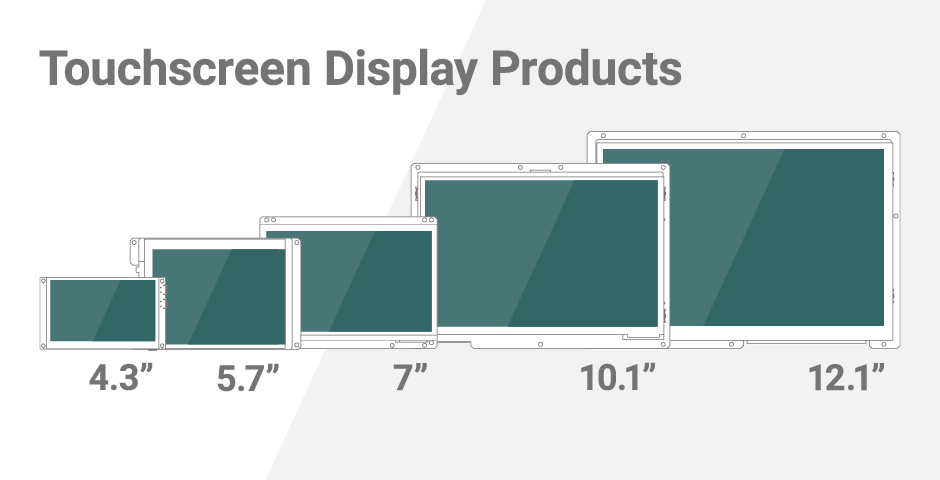
Each touchscreen display module has an LCD, LCD controller board, backlight driver, and touch screen ready to go. It acts as a smart slave to your host processor.
Development Kits start at $399. Kits include hardware, software, documentation, and support. 3,500+ kits sold to date. 100% satisfaction guarantee.

We understand our products are just one component of your final system. We are here to help. Get live support during business hours and after-hours expect a next business day reply.
Modules are designed for long-term availability with multi-sourced, industry-standard LCD form factor and a 10+ year processor life.

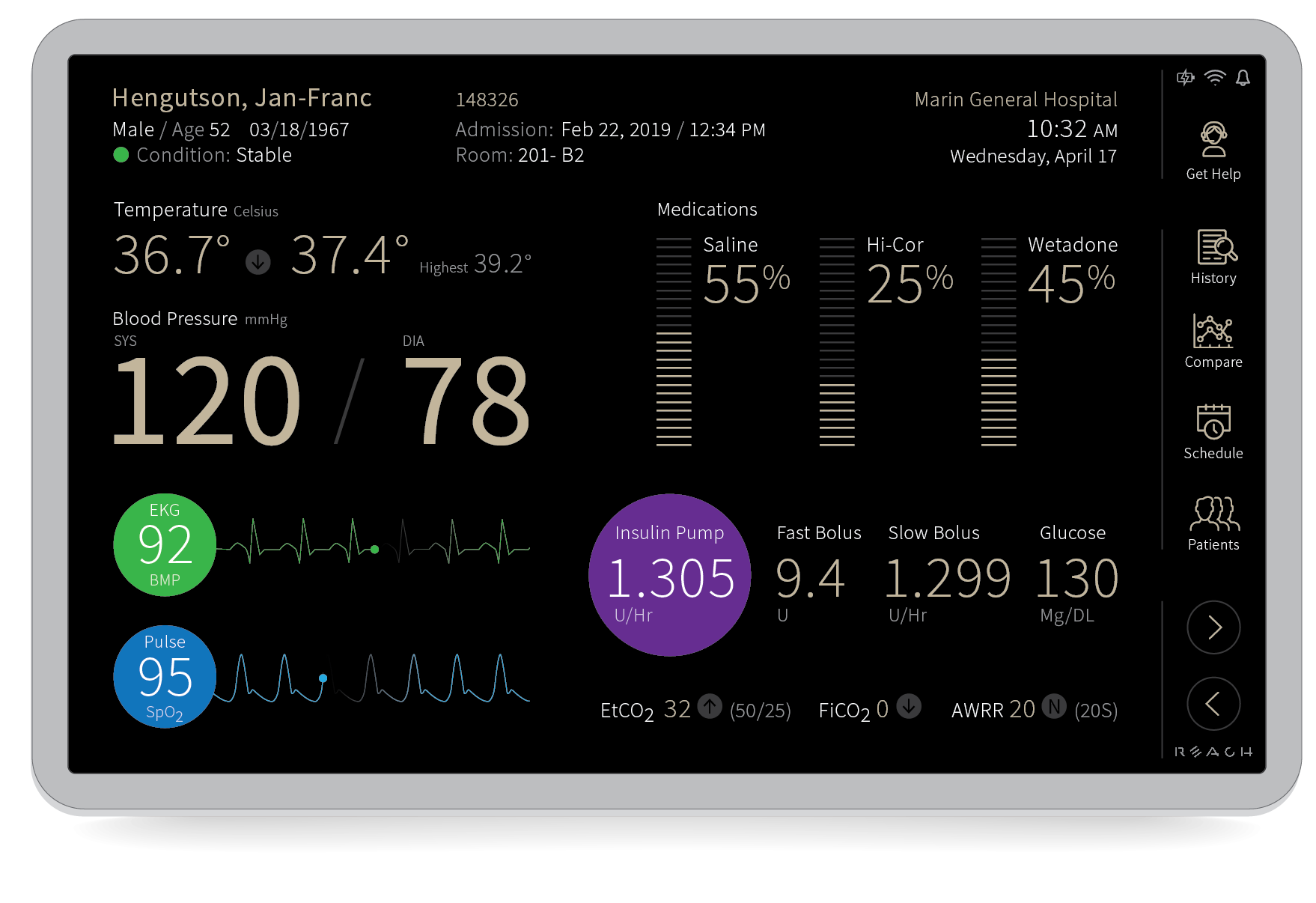
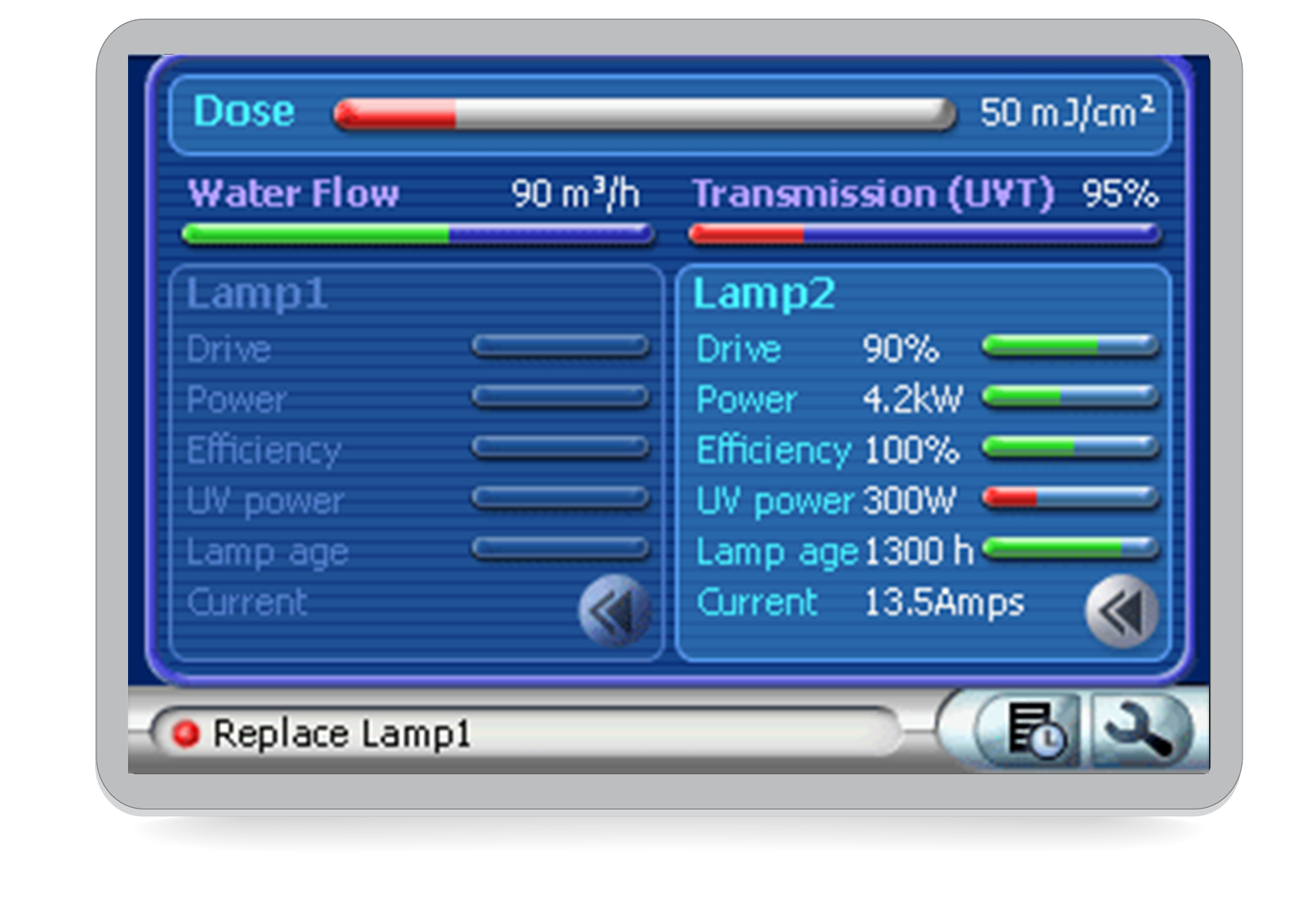
Modules are designed especially for medical and advanced industrial equipment. ESD and EMC test results are available to ease regulatory compliance testing.
Need something else? If our standard touchscreen display modules are not a fit, we can provide customized modules if you have sufficient production volumes.
A fast and reliable way to design touchscreen displays into medical and industrial products.
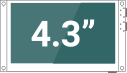
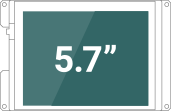
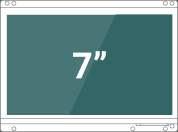
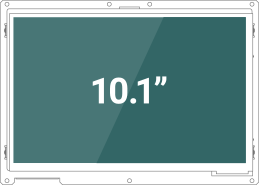
Get Started with a Touchscreen Development Kit
3,500+ kits sold to date. 100% Satisfaction Guarantee.
Embedded Touchscreens Made Easy:
Up in Days, Smoothly to Production. Get started with a Development Kit.
Reach Technology is now a part of Novanta.
Sales and Engineering
545 First Street
Lake Oswego, OR 97034
503-675-6464
sales@reachtech.com
techsupport@reachtech.com
Manufacturing
4600 Campus Place
Mukilteo, WA 98275
service@reachtech.com
Please send payments to:
Novanta Corporation
PO Box 15905
Chicago, IL 60693
accounts.receivable
@novanta.com